PL. 01 — THE JOB / LE TRAVAIL À FAIRE
DOORS & ACCESS CONTROL
The visitor calls. The resident answers on their phone and opens.
Video intercom, doors, codes and cameras — on the same platform as the rest of the building.
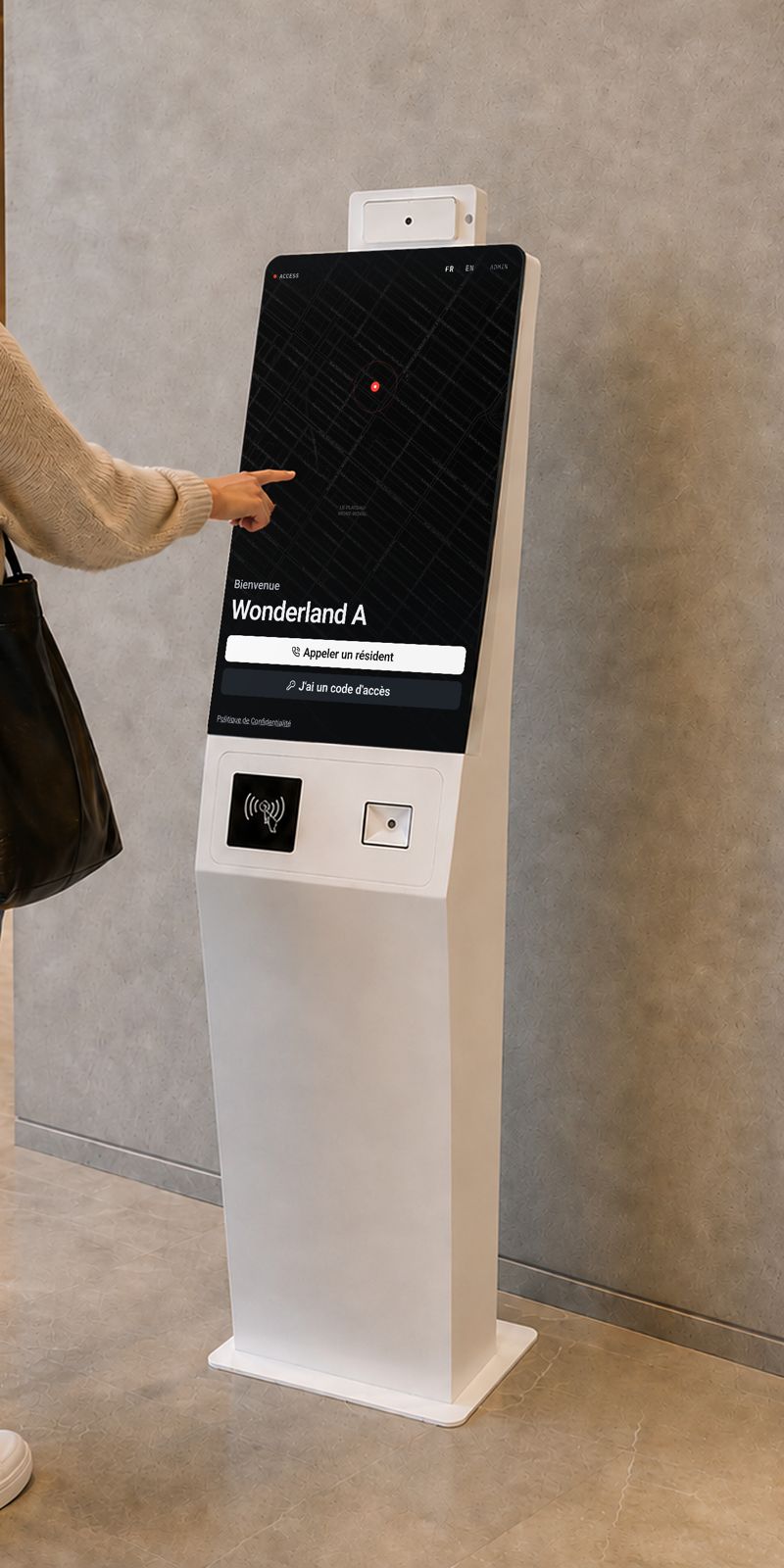
Access replaces the existing intercom, reusing the wiring and the location. The lobby kiosk shows the directory; the video call reaches the resident’s phone, wherever they are.
NO COMMITMENT · 24-HOUR RESPONSE
PL. 02 — AT THE DOOR / CE QUI SE PASSE À LA PORTE
What happens when someone arrives
The visitor installs nothing and the resident does not have to be home. The call starts at the kiosk and lands on the phone, wherever it is.
The visitor looks up the resident
LE VISITEUR CHERCHE
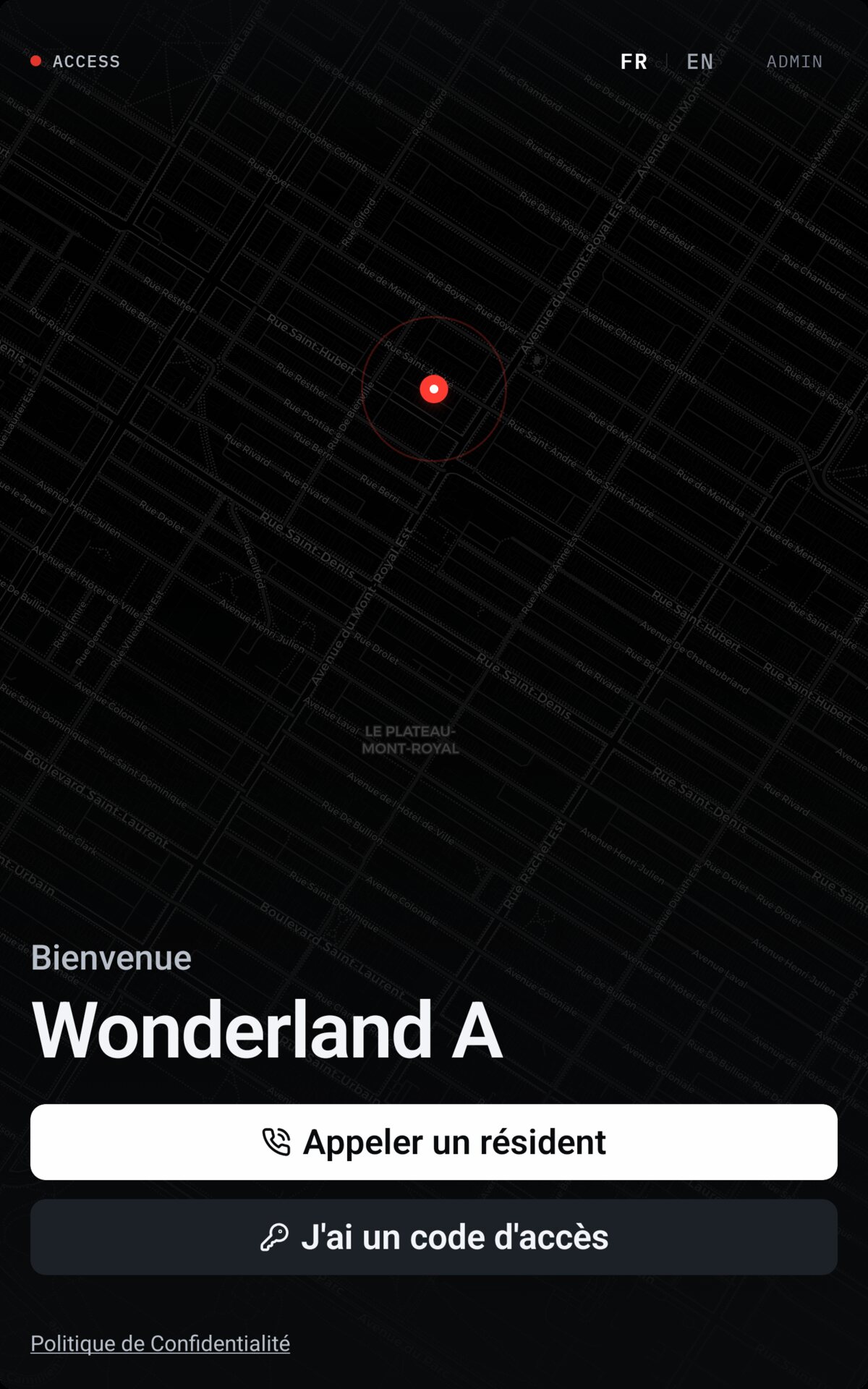
At the kiosk: the building directory in French or English, or an access code. No app required of the visitor.
The resident is called on their phone
LE RÉSIDENT EST APPELÉ
A notification on iOS or Android, wherever the resident is. The call is not tied to a handset bolted to a wall.
Two-way video, then remote unlock
VIDÉO, PUIS OUVERTURE
The resident sees and hears the visitor, then unlocks from the call screen. The opening is written to the access log.
PL. 03 — THE LEDGER / LE REGISTRE
What the system holds
From the main door to the access log.
Video intercom
INTERPHONE VIDÉO
The call reaches the resident’s phone, on video, wherever they are.
Remote door release
OUVERTURE À DISTANCE
The resident opens from the call or from the app.
Lobby kiosk
KIOSQUE DU HALL
Resident directory and access-code keypad, where the old intercom was.
Visitor codes
CODES VISITEURS
Time-limited codes, created by the resident, that expire on their own.
Access logs
JOURNAL DES ACCÈS
Who opened what, when, by which means.
Cameras
CAMÉRAS
Live viewing and playback, from the portal or the app.
Captures come from real buildings equipped by Access. The features described are in service.
PL. 04 — CAMERAS / LES CAMÉRAS
Your cameras, not ours
Access attaches to the recorder already in place, channel by channel. Each camera has its own visibility setting: the manager decides what a resident can see.
- Existing camerasAttached to the installed recorder; no replacement.
- Live and playbackFrom the manager portal or the app.
- Per-camera visibilityOne setting per camera decides whether residents see it. Access is limited to the building’s occupants.
PL. 05 — WHAT IT REPLACES / CE QUE ÇA REMPLACE
What leaves the entrance
The existing unit is replaced; the wiring and the location are reused. The rest is added without new hardware.
01
The existing intercom
Replaced by the video kiosk, in the same place, on the same wiring.
02
Keys handed to visitors
Replaced by time-limited codes that expire on their own.
03
The paper entry register
Replaced by the timestamped access log.
04
The screen in the utility room
Replaced by live and playback on the manager’s phone.
PL. 06 — REQUEST / DEMANDE
Request an assessment
Tell us which building. We come back within 24 hours with a clear picture of what Access covers — no commitment.
- Montréal
- Local team, service in French and English.
- 1,000+ doors
- Already in service in buildings here.
- No commitment
- The assessment commits you to nothing.